The whole Bible, built in
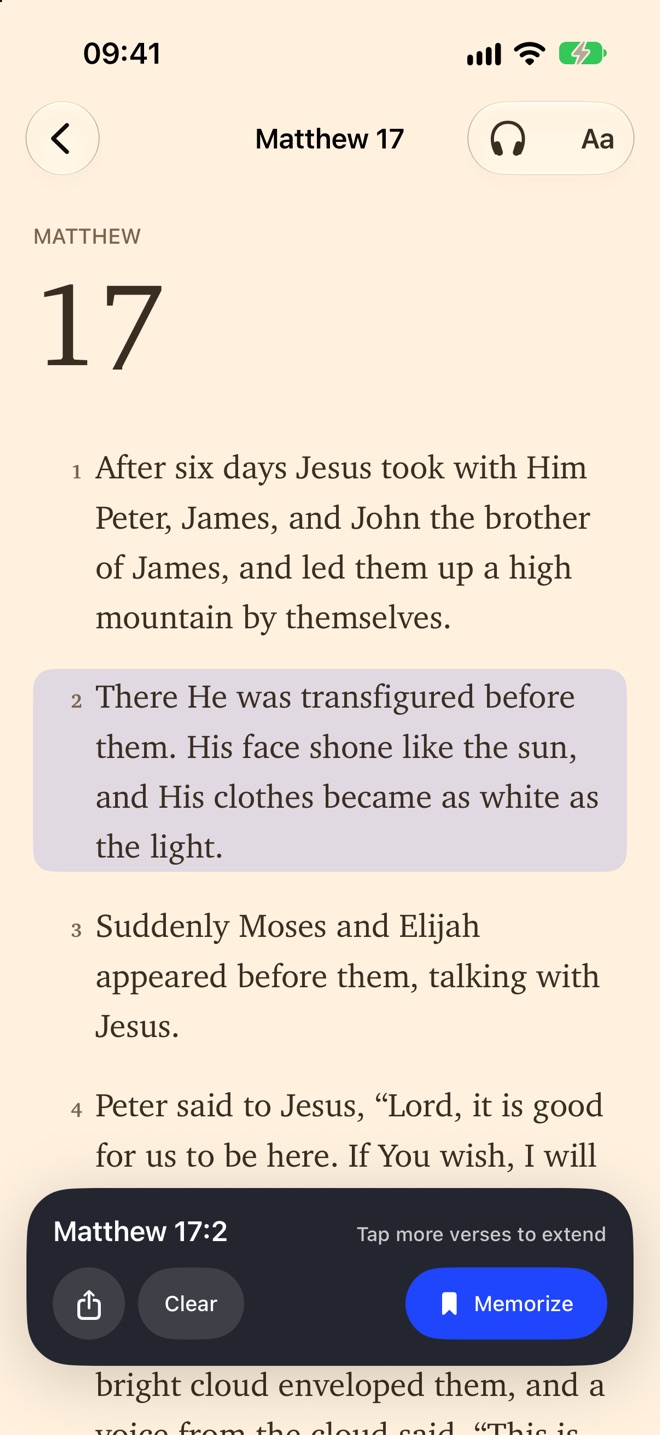
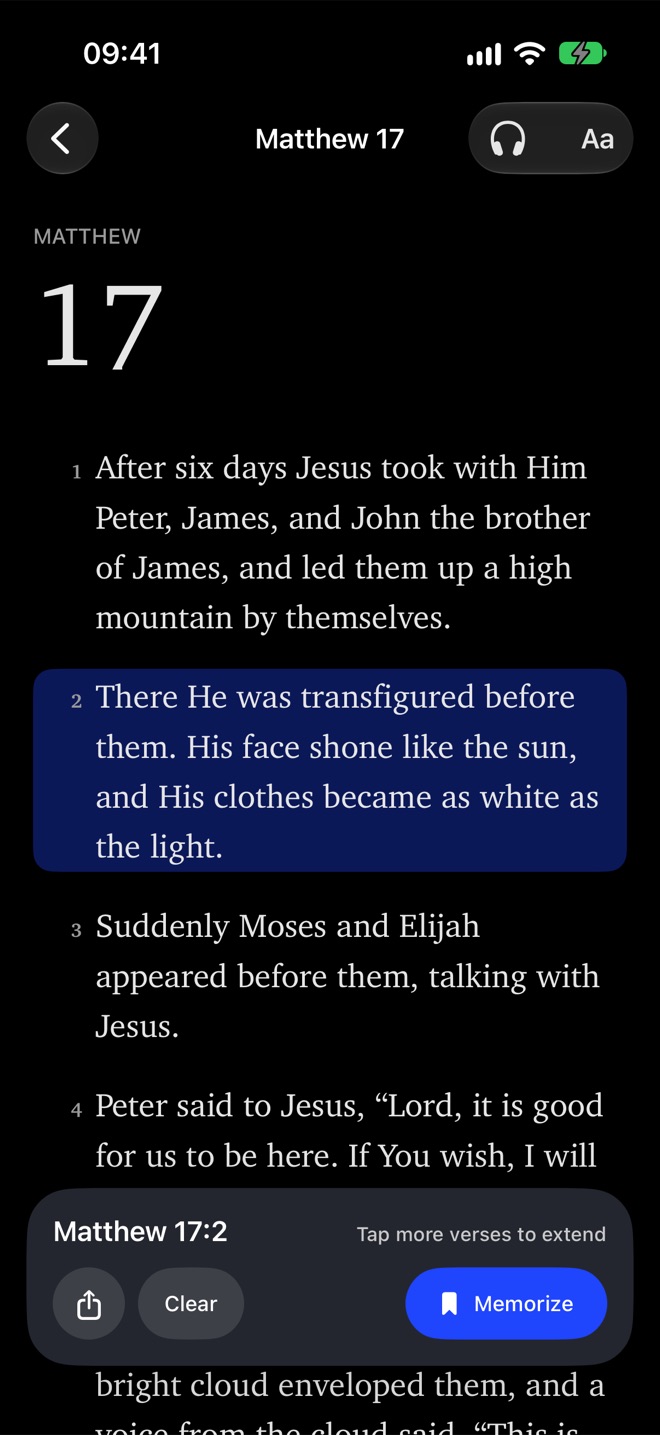
Read any chapter in nine translations across four languages — no download, no signal needed. Search every verse, and add any verse to memorize with one tap.
 Scriptureflow
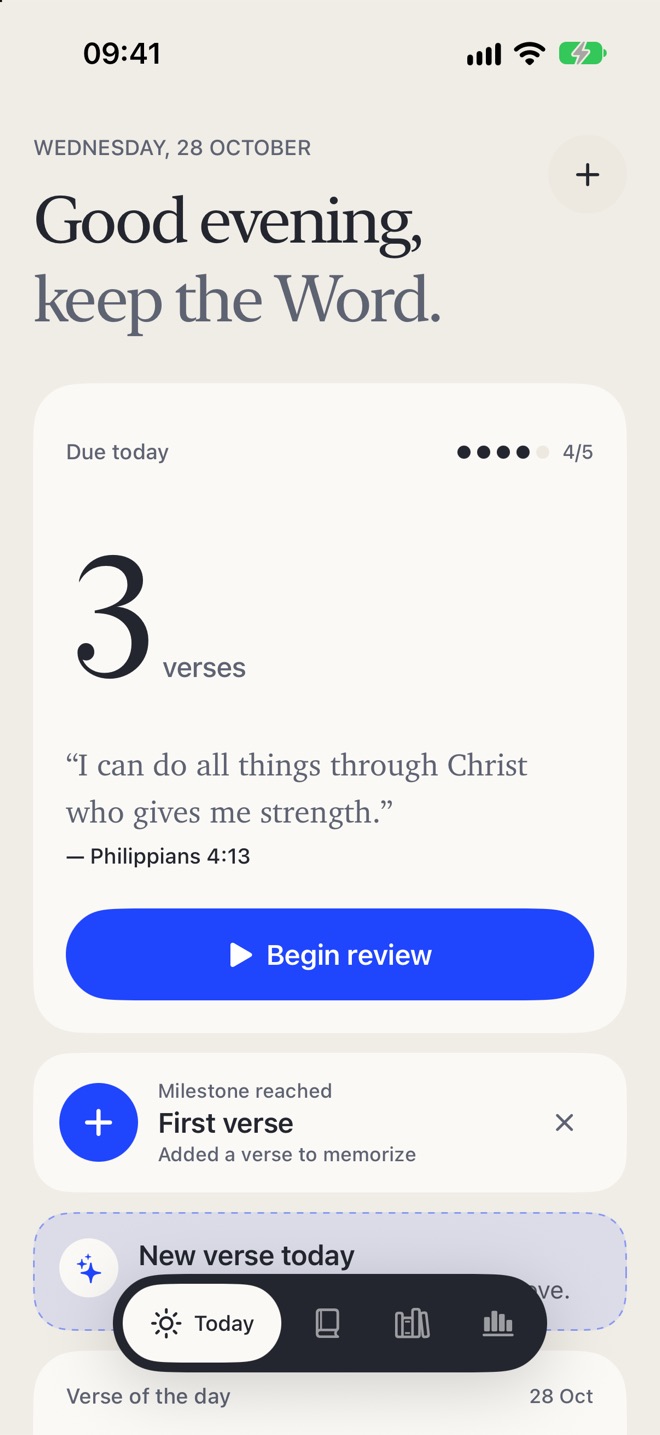
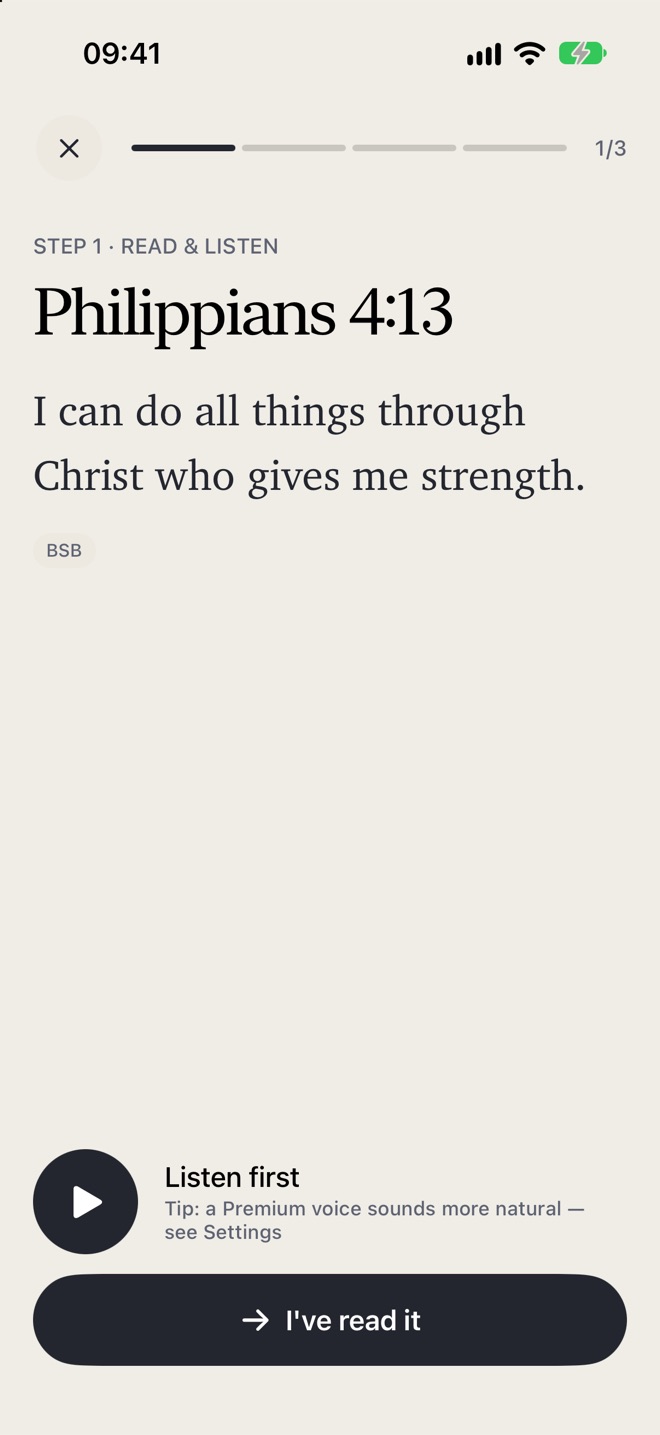
Scriptureflow helps you memorize Scripture for good. Read and listen, rebuild the verse, recite it out loud — then it comes back right before you'd forget it.
FreeNo accountNo adsYour verses never leave your device
“Thy word have I hid in mine heart, that I might not sin against thee.”Psalm 119:11 · King James Version
Hear the verse in a natural Apple voice while each word lights up.
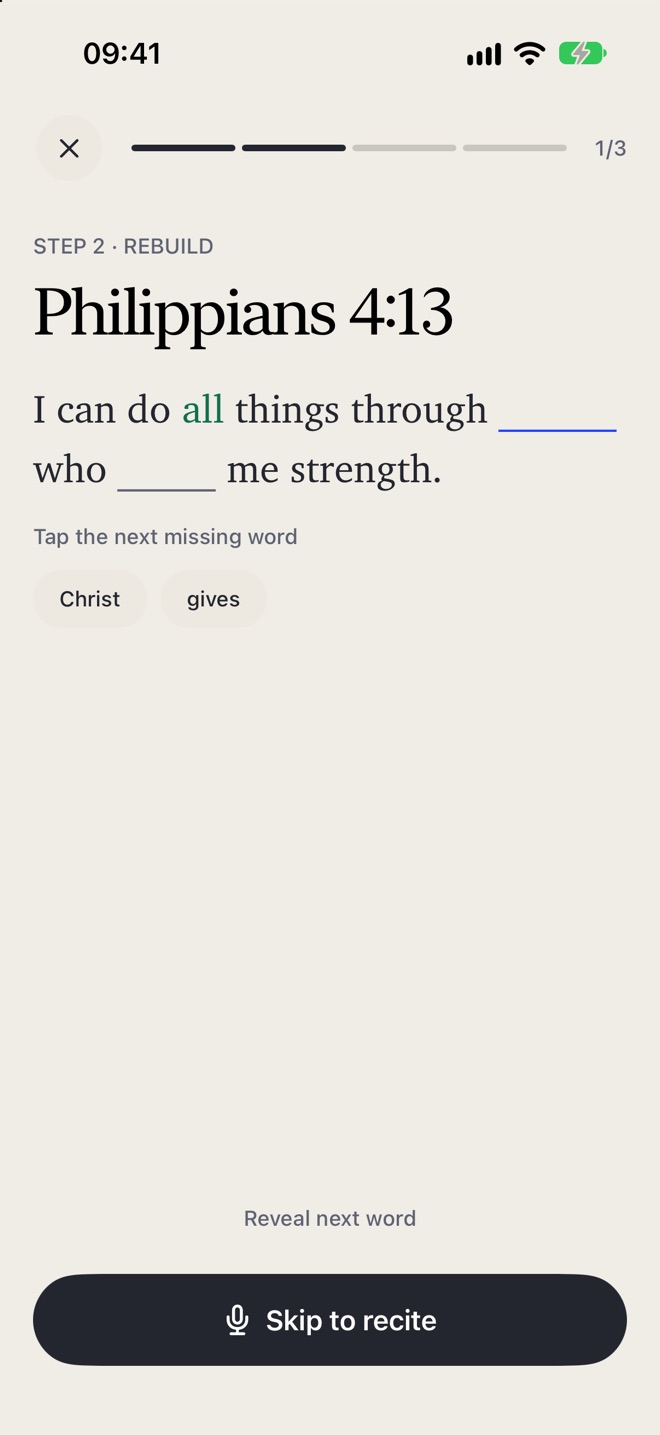
Fill in the missing words. More blanks appear as the verse sticks.
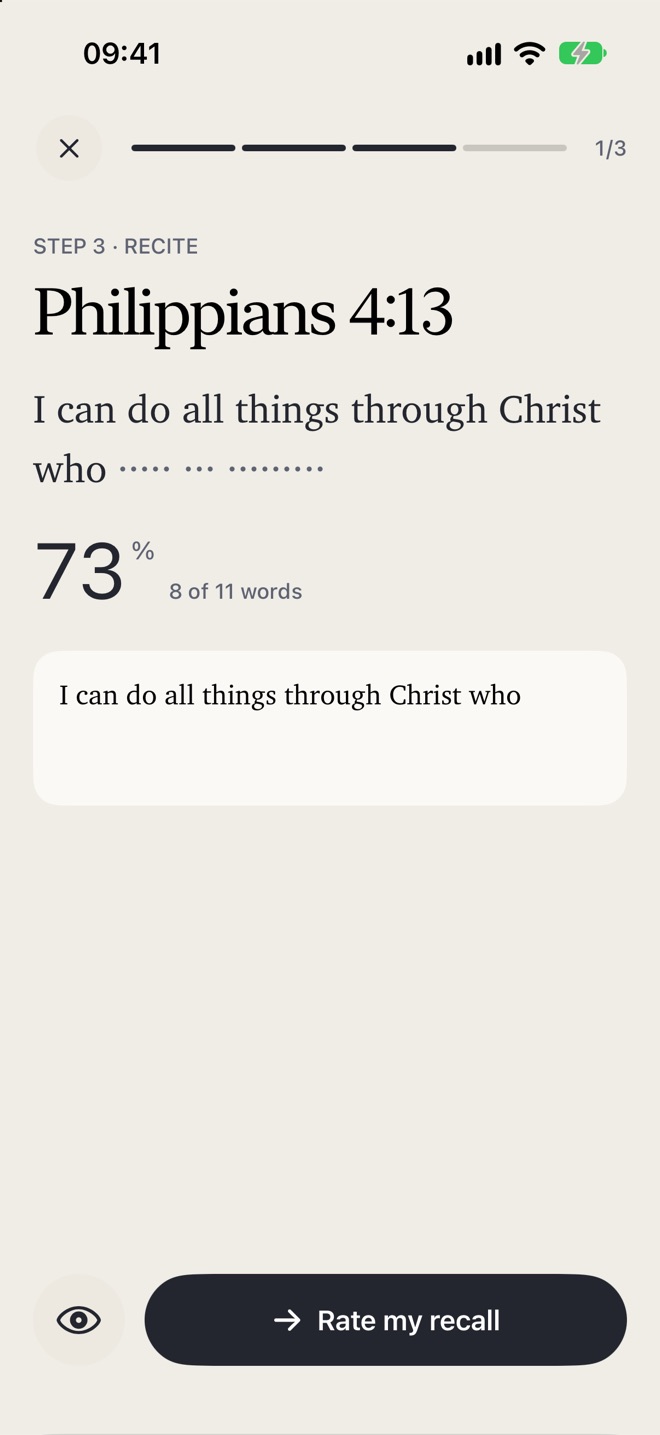
Say it out loud. Scriptureflow listens and shows which words you remembered.
Rather type, or write it by hand? You can do that too.
Tell it how it went. A proven spaced-repetition schedule decides when you'll see the verse again.
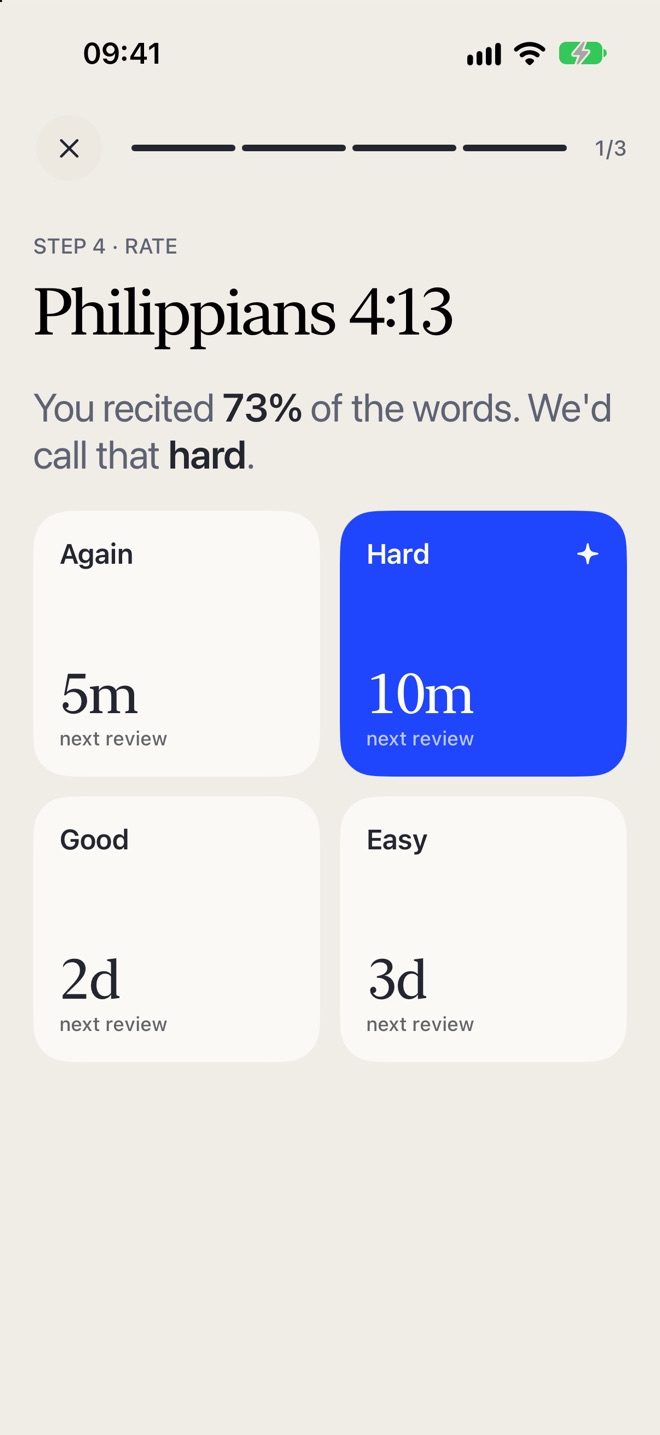
Scriptureflow schedules every verse with FSRS, the modern spaced-repetition method used by serious language learners. Easy verses come back in weeks; tricky ones come back tomorrow. You spend your time on the verses that need it — and a verse counts as mastered once you'd still recall it three weeks out.
Read any chapter in nine translations across four languages — no download, no signal needed. Search every verse, and add any verse to memorize with one tap.
TheLordismyshepherd;Ishallnotwant.
Speech recognition checks your recitation word by word, on your device.
Write the verse with your finger or Apple Pencil and watch it fill in as Scriptureflow reads your handwriting.
Get new verses at the pace you choose — gentle, moderate or challenging — plus a Verse of the Day you can share.
Anxiety & Peace, The Romans Road, Strength, Forgiveness, Psalm 23 and more — or build your own.
Choose a weekly rest day that never breaks your streak, and earn streak freezes for the days life gets in the way.
Review from your Home Screen, Lock Screen or wrist — one tap marks a verse reviewed.
John in 21 days, Proverbs in a month, the New Testament in 90 days, and more.
Have a chapter read aloud, with the Lock Screen controls you'd expect.
Write prayers, reflections and thanks — tie them to a verse, and mark prayers answered.
“Review my verses in Scriptureflow.” “What's the verse of the day?”
Turn any verse into a beautiful card for messages or stories.
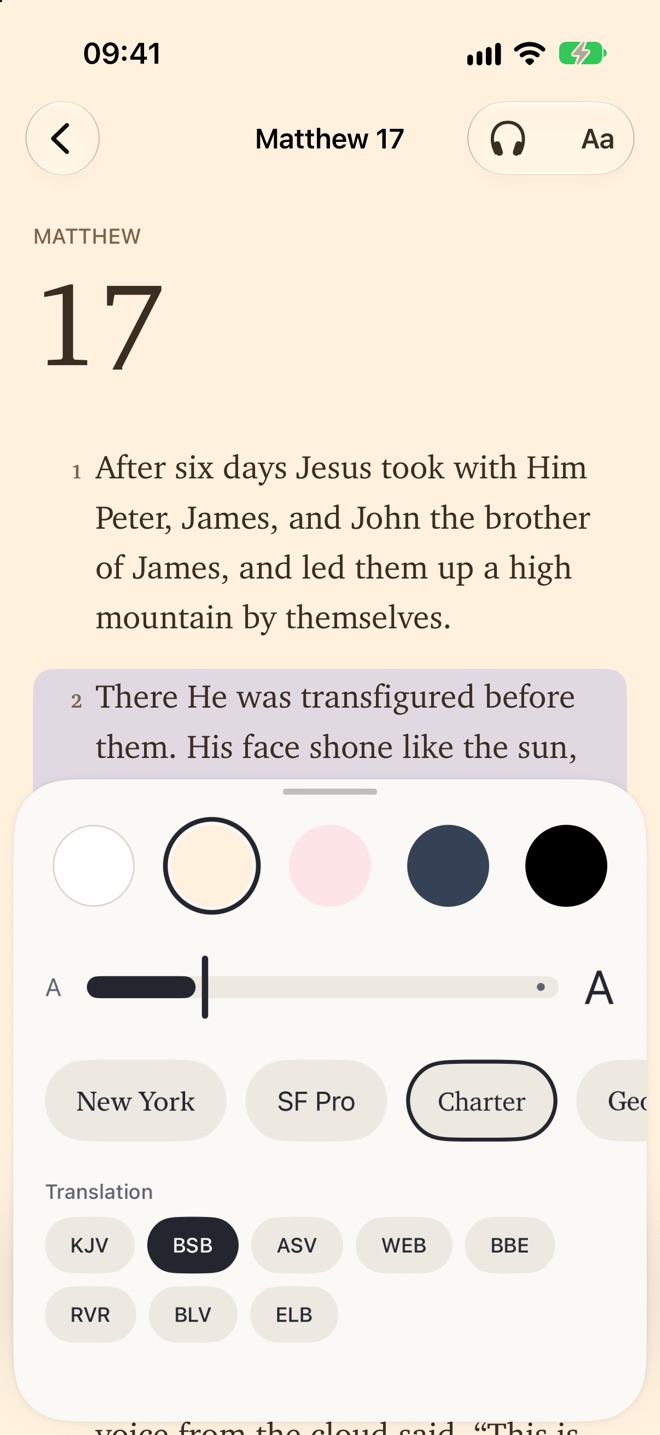
Pick your paper — white, cream, rose, slate or night — your typeface and your size. Scriptureflow remembers where you stopped reading and takes you straight back.
1The LORD is my shepherd; I shall not want. 2He maketh me to lie down in green pastures: he leadeth me beside the still waters.
You can also add a verse from any other translation by pasting its text. Credits →
No account. No sign-up. No ads. No tracking. Your library, your progress and your journal live only on your iPhone and Apple Watch. We don't run a server, so there's nothing to collect — and nothing to lose.
Scriptureflow is free to download and free to use — every feature, no subscription, no in-app purchases, no ads. It exists to help people hide God's Word in their hearts.
Something else on your mind? Write to us →
Yes. Every feature is free. There are no ads, subscriptions or in-app purchases.
No. Open the app and start. There's nothing to sign up for.
Yes. The Bibles, voices you've downloaded to your iPhone, scheduling and widgets all work without a connection.
Scriptureflow keeps everything on your device and doesn't sync through iCloud. Your Apple Watch stays in step with your iPhone directly. If you restore your iPhone from a backup, your verses come with it.
Nine built-in translations in English, Spanish, Portuguese and German — and any other translation by pasting the verse text yourself.
No. When you recite, your iPhone turns speech into text as you speak and Scriptureflow compares the words with the verse. Nothing is recorded or saved.
iPhone with iOS 27 or later, and Apple Watch with watchOS 27 or later.
Write to us from the Contact page. We read every message.